Red Box recording

What it looks like to use.

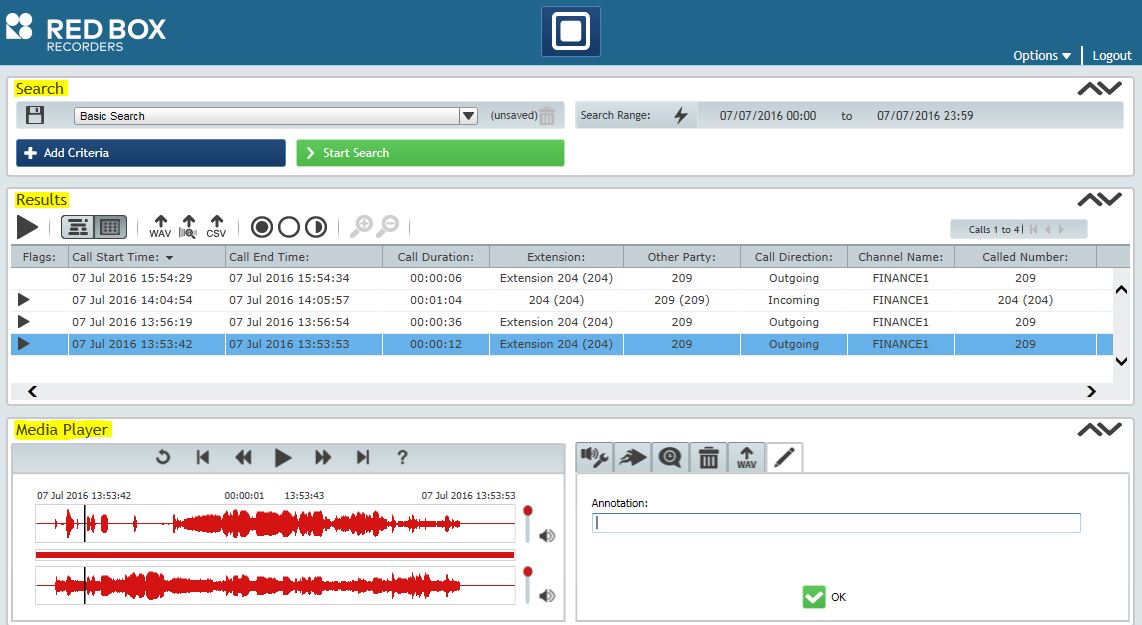
Search at the top, results in the middle, replay at the bottom. Most people are retrieving and replaying calls after a short handover, not a training course.

01

Find a call and replay it

Search by time, extension, agent or line, and play the result back in the same window. The layout does not change between search types, so there is one thing to learn.

02

Listen to what is happening now

Live monitoring shows which channels are recording at this moment, and lets an authorised user listen in as a call is taking place.

03

Save and send a recording

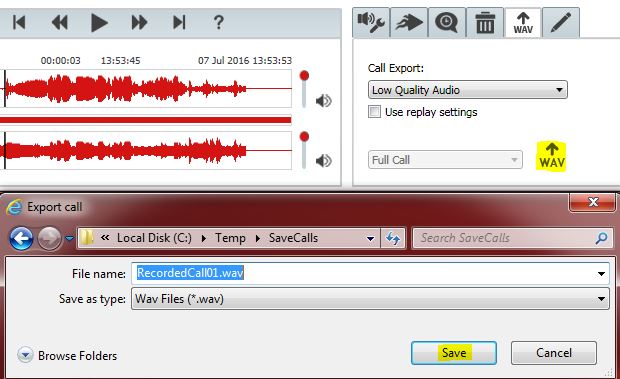
Export a call and its details as an audio file, to email to someone or hold for a later review. This is the step CBH uses to settle a disputed contract with a grower.

04

Redact private information

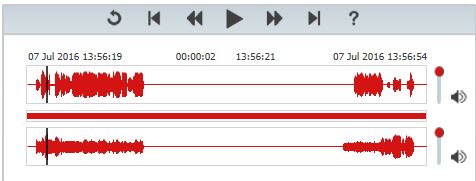
Silence part of a recording, or delete it, where card numbers or personal detail were discussed.

05

Search for a spoken word

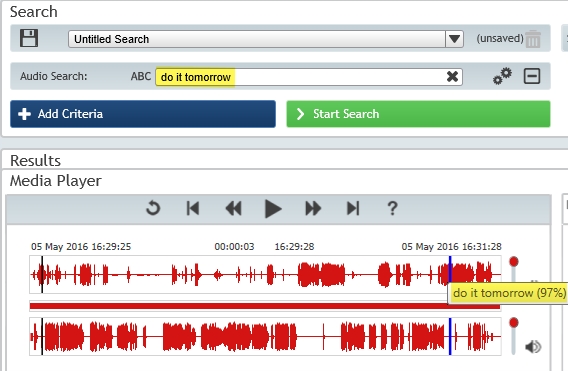
Find calls containing a specific word or phrase without listening through them.

06

Check the recorder is healthy

A single view of what the recorder is doing and whether anything needs attention — the same view CallTech works from during scheduled inspections.

Get in touch

Want a look at it properly?

We can walk you through the interface against your own recording scenario, and scope a system for your site.